

The Magnolia Mobile Computer Club meeting of June 9th, 2022 was dedicated to a hand’s on Computer Skills Triathlon. The Computer Skills Triathlon consisted of 3 events:
- Mouse Click
- Typing
- Copy and Paste
All three events were available via the club’s local wireless intranet.
Mouse Click
The Mouse Click event was very easy. A colored circle would appear at various locations in the window, and each triathlete would have to click on each circle. Some circles could be clicked with either button (left or right), but some circles would contain a letter (“L” or “R”) indicating the Left or Right mouse button. There were about a dozen clicks required to complete the event. Upon completion, the window would show a link to the “Next Event”. Here’s a short animation showing the Mouse Click event:
Typing
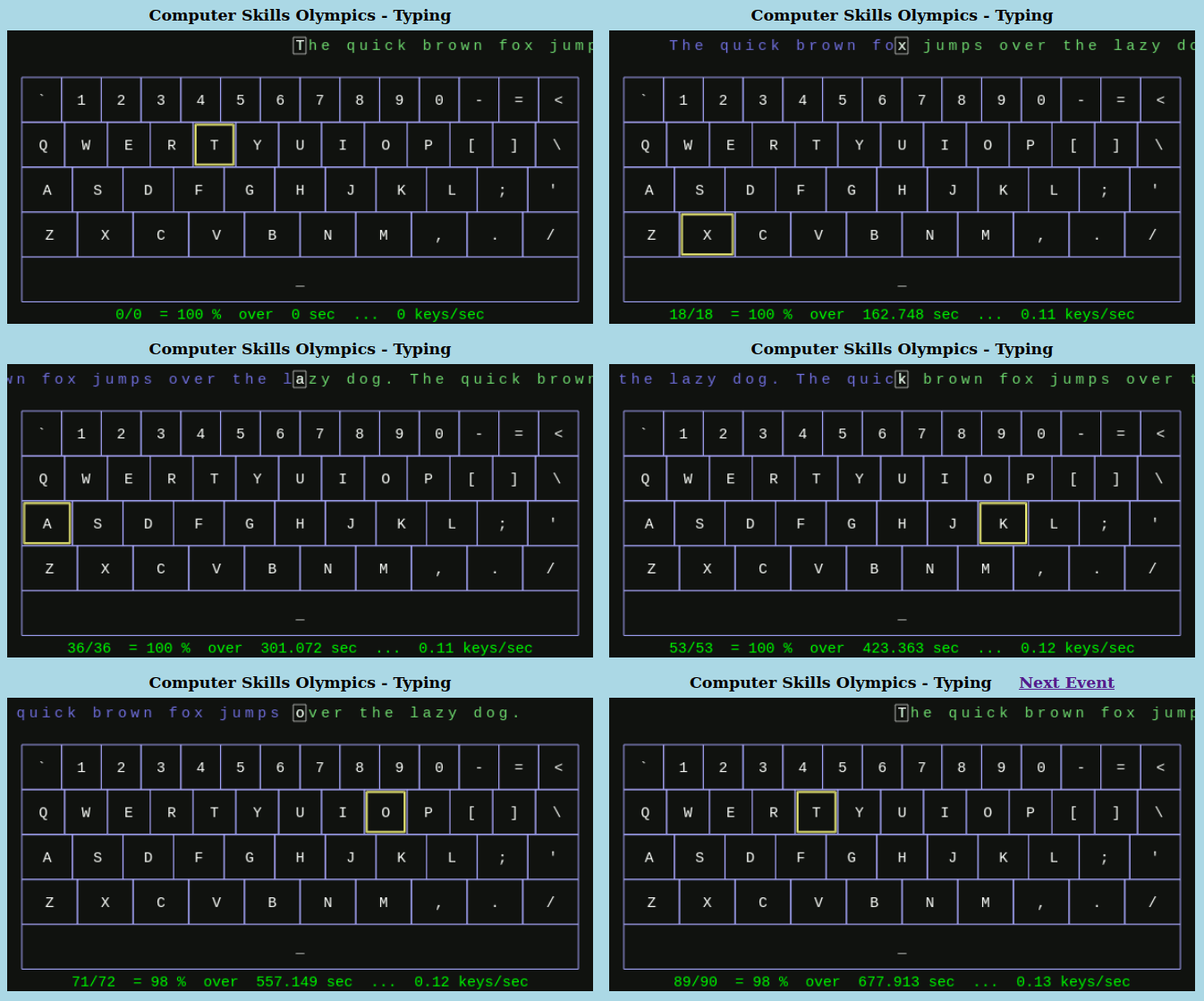
The Typing event was a bit more demanding. A stream of text appeared at the top of the window with one letter highlighted (white letter in a small gray square). Each triathlete would need to type that letter correctly (and with the proper upper/lower case) to move to the next letter in the stream of text. As an aid, the required letter was also highlighted in yellow on the keyboard to help each triathlete locate the next key. Each triathlete was required to type the sentence “The quick brown fox jumps over the lazy dog.” which uses all of the alphabetic keys on the keyboard. Upon completion, the window would show a link to the “Next Event”. Here’s a short animation showing the Typing event:
Copy and Paste
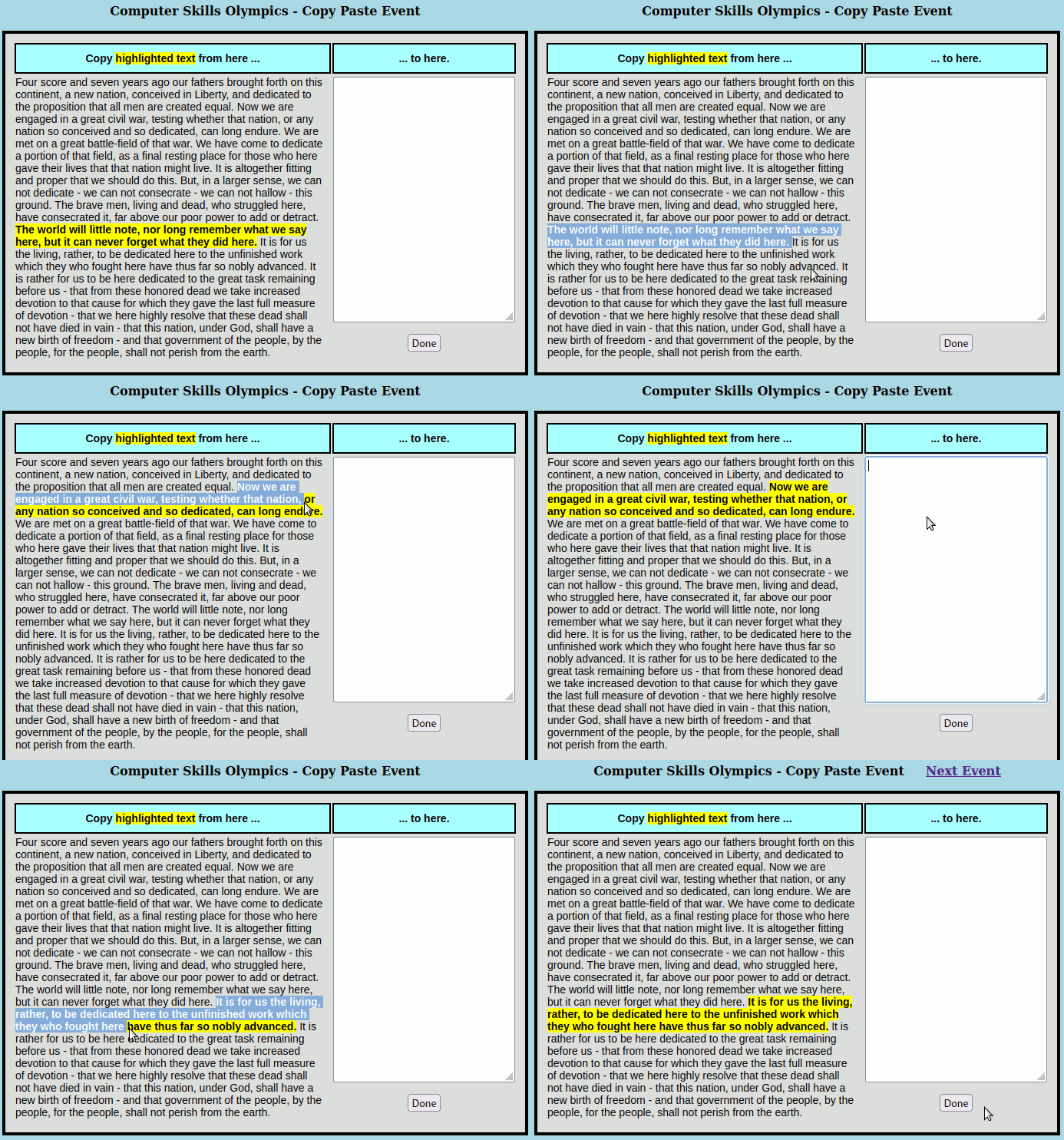
The Copy and Paste event was the most complicated because it required use of special “Control Keys” to copy and paste text. The program would highlight (in yellow) a selection from President Lincoln’s Gettysburg Address. Each triathlete would need to select that highlighted text, use “Control-C” to copy the selected text to the invisible “clipboard”. Then each triathlete would need to click into the target box (on the right), and then use “Control-V” to paste the selected text from the invisible “clipboard” into that target box. Each copy/paste was completed with a click on the “Done” button which would verify that the proper text had been copied and then highlight another selection to be copied and pasted. Upon completion of several copy/paste rounds, the window would show a link to the “Next Event” which completed the triathlon and showed the completion time for that triathlete. Here’s a short animation showing the Copy/Paste event:
 Magnolia Mobile News