
The club meeting of March 31, 2022 included a brief tutorial on connecting to WiFi networks. A private network was set up with a router and one server similar to this picture:
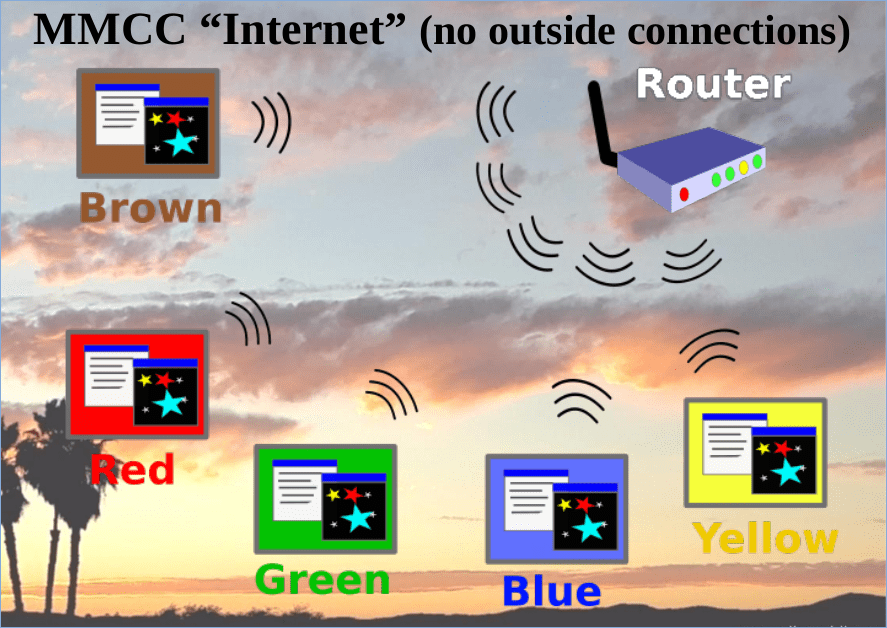
Connections were made with several computers:
- Windows
- Chromebook
- Raspberry Pi running Linux
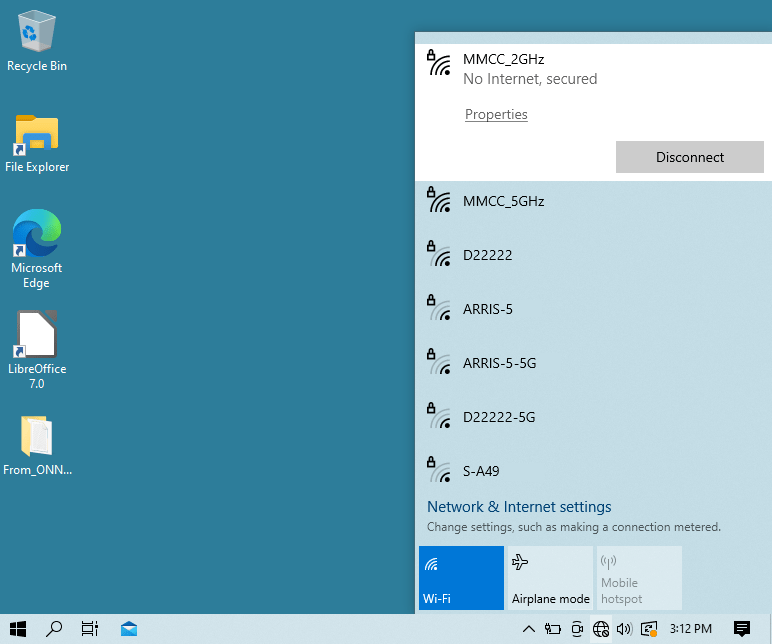
The typical Windows 10 WiFi connection is requested through the small “globe” icon located in the task bar at the bottom of the screen. Networks can be chosen for connection or disconnection as shown here:
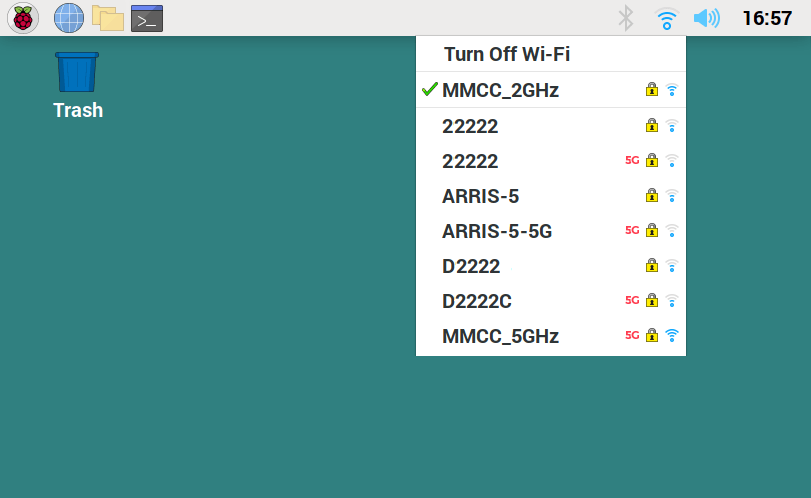
The typical Raspberry Pi connection is requested through the networking icon located in the task bar at the top of the screen. As with Windows, networks can be chosen for connection or disconnection as shown here:
 Magnolia Mobile News