
One of our goals for the August 4th, 2022 Computer Club meeting was to open up a computer and look at the various parts inside. We were particularly interested in identifying and removing the “hard drive” which contains all of the most important information stored in the computer.
We started with an older desktop computer donated by Janet – THANKS!!
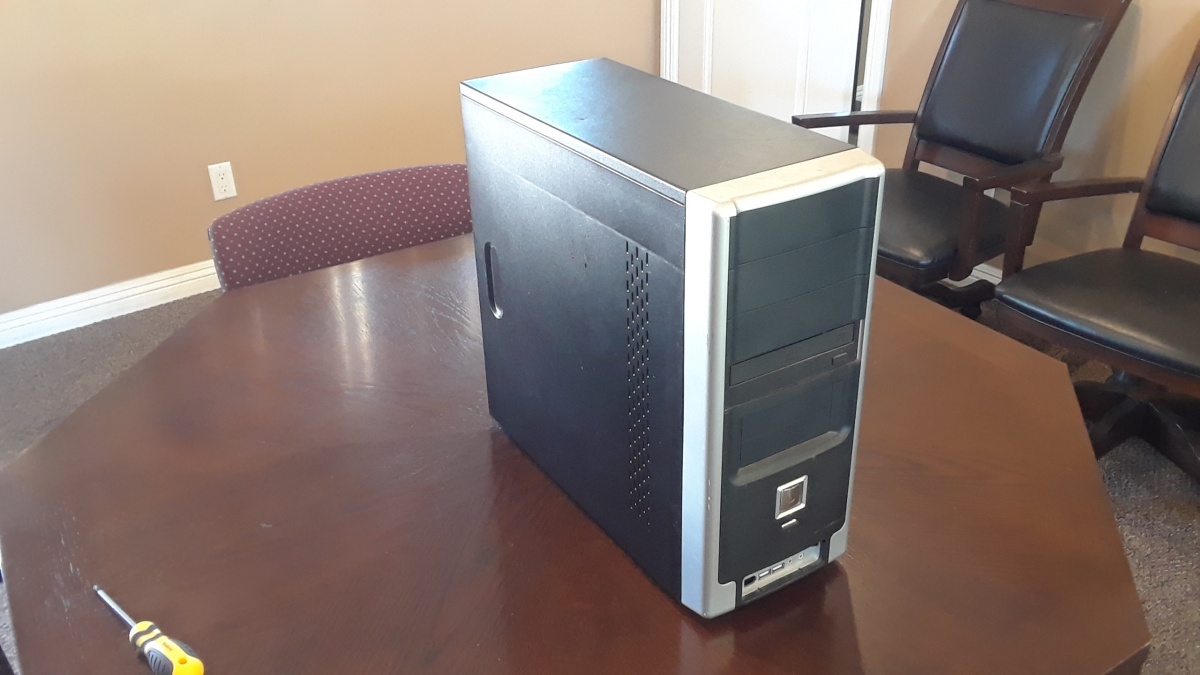

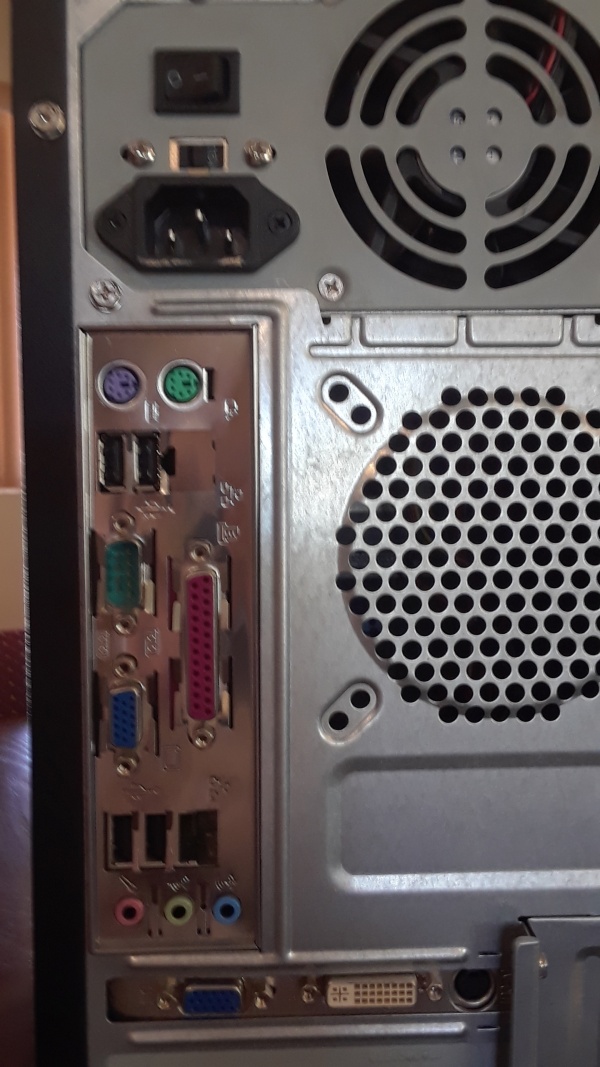
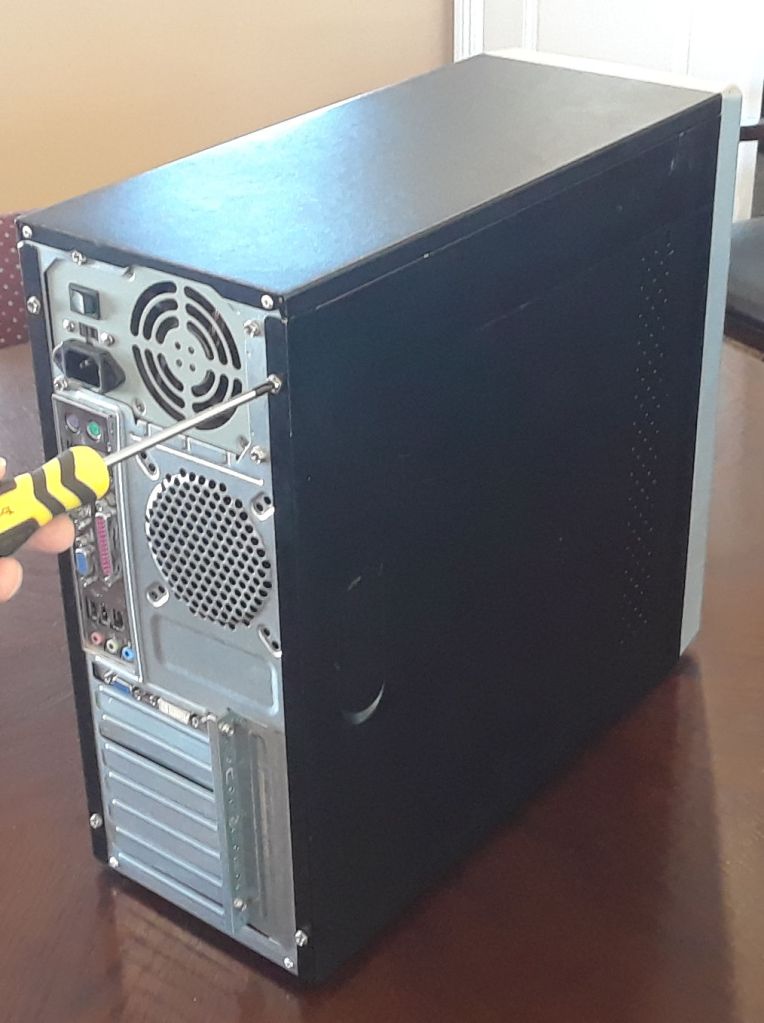
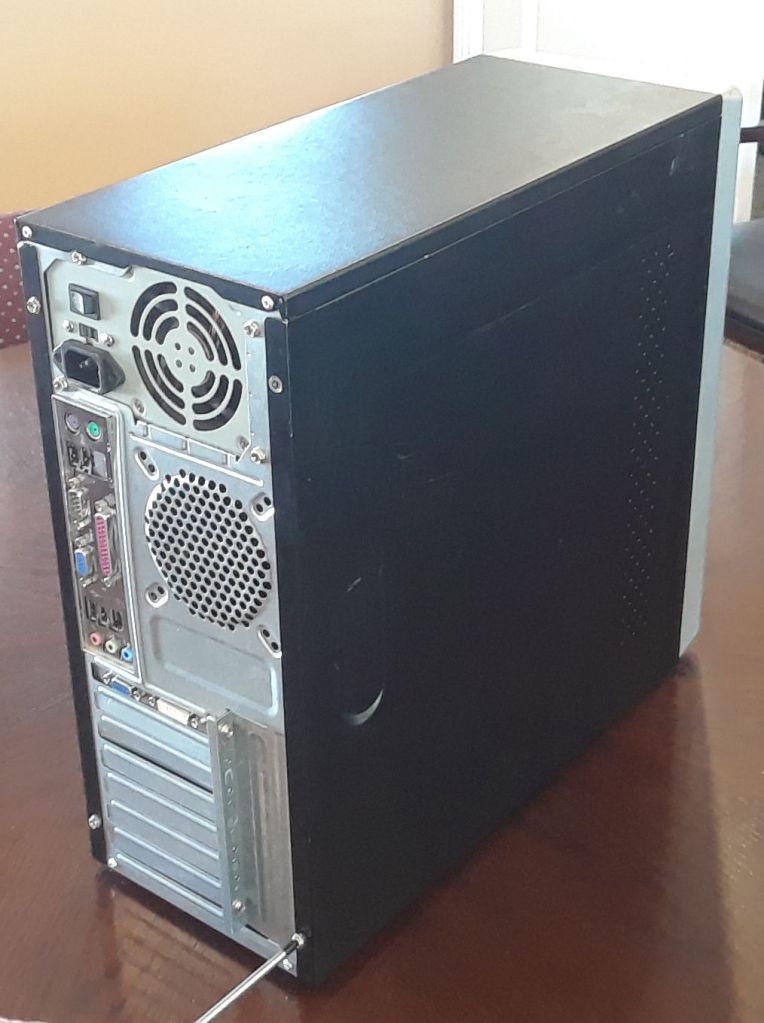
The first step was to take off the side panel by removing two screws and sliding the panel backward until it came off:
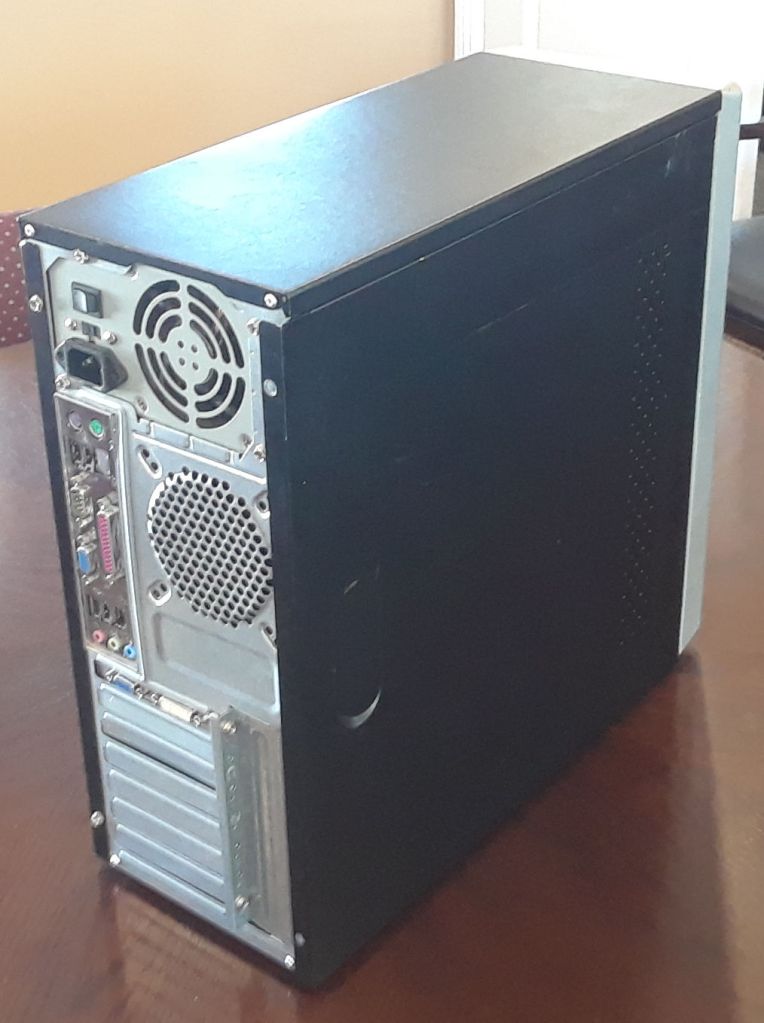


Removing the side panel revealed the internal parts of the computer (power supply, motherboard, processor, video card, CD/DVD drive, and hard drive):

In this case, we just wanted to remove the hard drive (lower right in previous image). We removed the two cable connectors from the drive (power connector and data connector), and then took out the two screws that hold the drive in the case (sometimes there are screws on the other side as well):
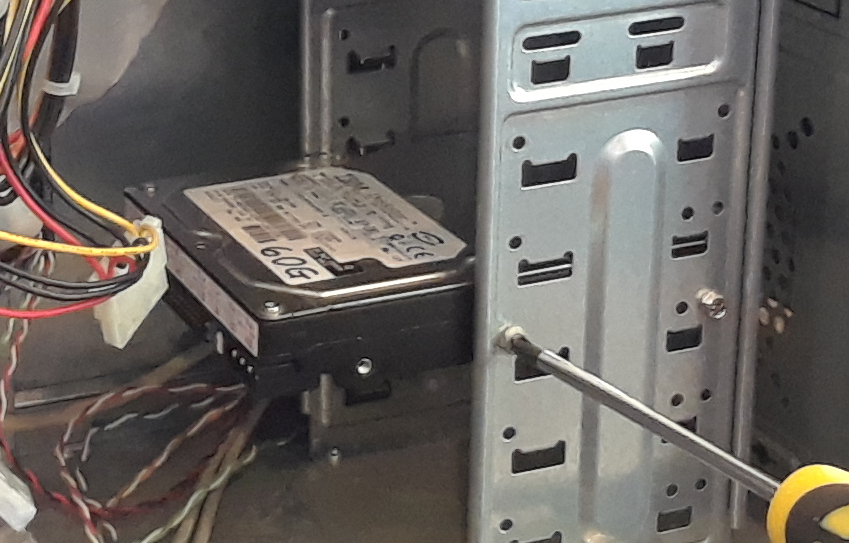
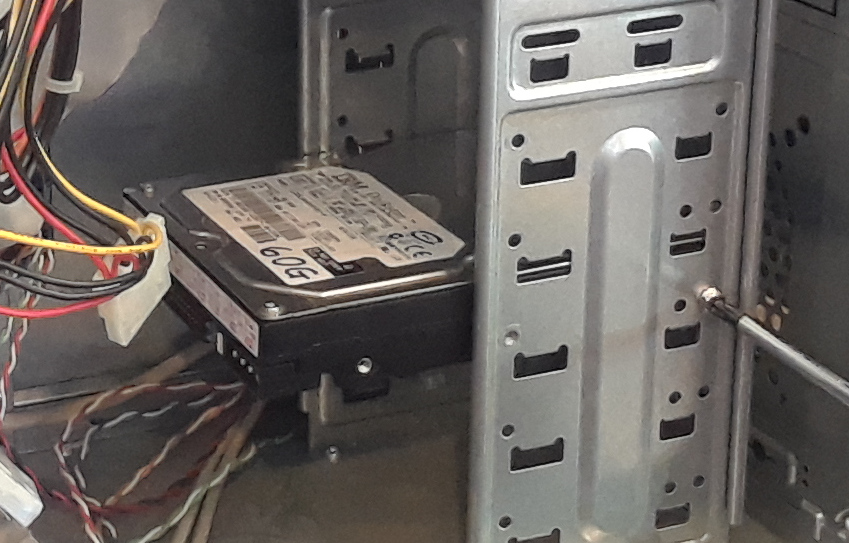
The hard drive contains all of the stored information on the computer (operating system, installed programs, images, documents, etc):
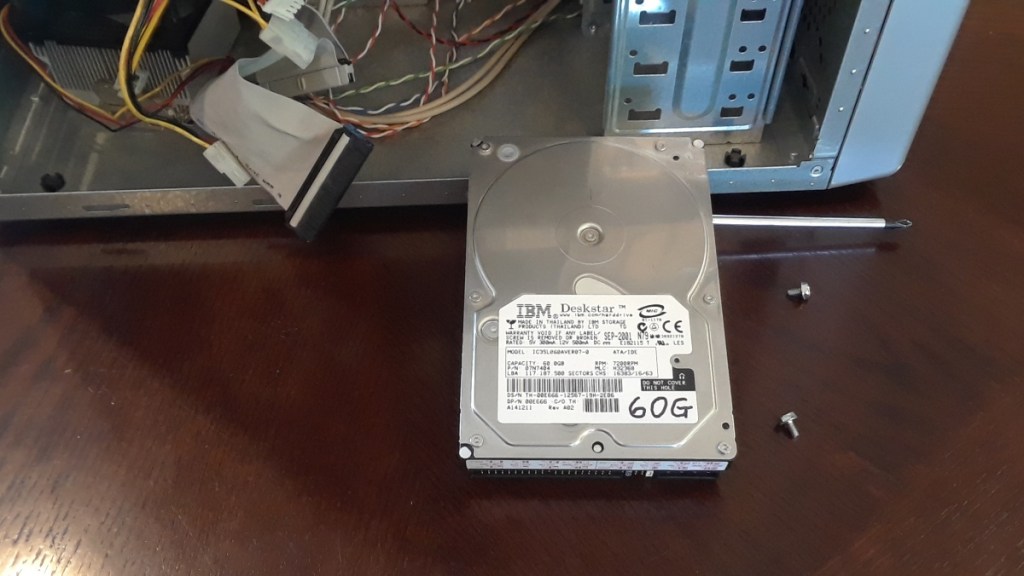
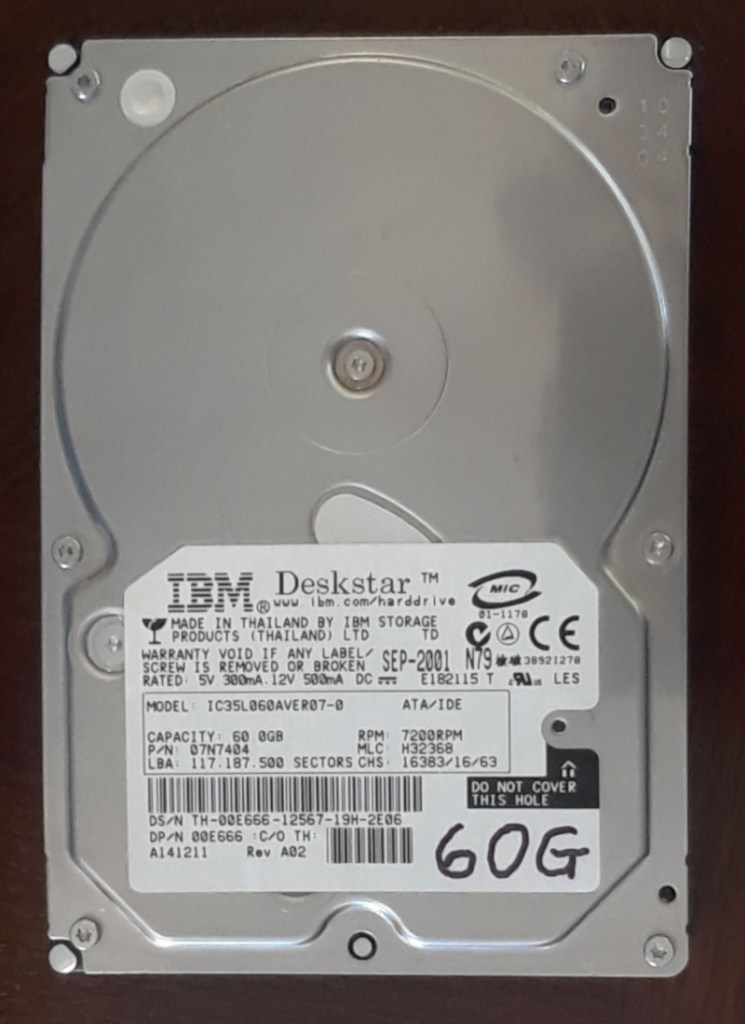
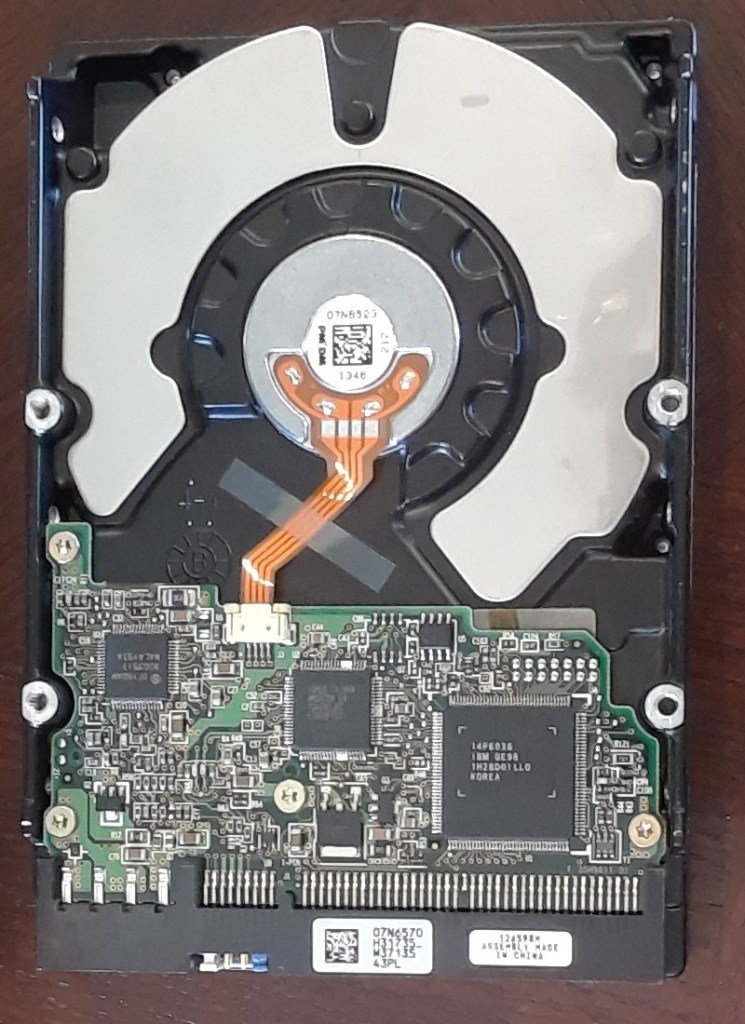
For more information on how files are stored see the “Computer File Systems” from the July 1, 2021 computer club meeting.
Once removed, the hard drive can be installed in another computer to make a copy of all the information on the drive. The drive can then be fully erased and reformatted to be used in another computer.
 Magnolia Mobile News